Schedule a tour
LEVER SOFTWARETasks

Everyone knows what they’re doing.

You run your jobs — your jobs don’t run you. Tasks lay out the day’s work with a clear owner, clear expectations, and a due date, so the whole company is working from the same list instead of a pile of texts and phone calls.

app.lever360.com/tasksMy TasksMy TasksGroup: Due dateListBoardCalendarTASKJOBASSIGNEDDUE% COMPLETESTATUSPAST DUE1Upload final moisture readings1 schedule2J-24880· Cedar PlazaMRMarco RuizApr 2160%Past dueDUE TODAY3Monitor for three days — structural dry3 schedules4J-24891· Mercer Reside…MRMarco RuizToday65%In progressDemo all flooring — first floor2 schedules1J-24911· Bishop StMRMarco RuizToday25%In progressPhoto documentation — affected rooms1 scheduleJ-24891· Mercer Reside…MRMarco RuizToday0%Not startedTHIS WEEK2Cut drywall — hallway to 2 ftNot scheduled yetJ-24911· Bishop StMRMarco RuizThu0%Not startedEquipment pickup1 scheduleJ-24891· Mercer Reside…MRMarco RuizFri0%DeferredTASKIn progressMonitor for three daysJ-24891 · Mercer Residence65%Marco RuizAssigned technicianDue Wed, Apr 23Created Mon, Apr 213 schedulesMon · Tue · WedNOTIFYINGMRPRJS4 progress updates · last 40 min ago
app.lever360.com/tasksMy TasksMy TasksTASKSTATUSPAST DUE1Upload final moisture readingsJ-24880· Apr 2160%MRPast dueDUE TODAY3Monitor for three days — structural dryJ-24891· Today65%MRIn progressDemo all flooring — first floorJ-24911· Today25%MRIn progressPhoto documentation — affected roomsJ-24891· Today0%MRNot startedTHIS WEEK2Cut drywall — hallway to 2 ftJ-24911· Thu0%MRNot startedEquipment pickupJ-24891· Fri0%MRDeferred

Why it matters

Getting through the day isn’t the same as running the business.

If the work isn’t laid out and organized, you’re reacting — you might still be finishing jobs, but you aren’t running them. Tasks are how a property restoration company goes from flying by the seat of its pants to operating like an actual business.

The shift

From “who’s got that?” → it’s on the board.

Close the communication gap

The work lives in scattered texts, calls, and emails, and people dig around for what they’re supposed to do. Now it’s assigned and visible in one place.

Stop dropping balls

Tasks get updated and marked complete, so you see what’s done, what isn’t, and what stalled before it costs you.

Keep the pipeline moving

Work has dependencies. Visibility on the step before is what keeps the chain moving.

Real accountability

If a task isn’t complete, someone can follow up — maybe there was a good reason, maybe it slipped.

Where they live

Tasks live everywhere the work does.

A task is assigned work with a clear owner, clear expectations, and a due date. It never sits off in a separate to-do app — it attaches to the record it belongs to and shows up on that record.

Statuses

Not startedIn progressDeferredCompleted

Open a job to see everything outstanding on it. Open your own board to see everything on you.

Open a job, see what's left

Every loose end on that job is right there, instead of living in somebody’s head.

Never drop a relationship

The property manager follow-up and the sub’s handoff sit on the company, not in a text thread.

The homeowner gets called back

Callbacks and missing signatures stay attached to the person until somebody closes them.

Everyone starts the day knowing

One board per person: what’s theirs, what’s late, and how far along it already is.

One checkbox

Your list, or the whole company’s.

My Tasks is where each person starts the day. Uncheck it and the same board becomes the operational picture — every task in the company, who owns it, how far along it is, and what’s past due.

app.lever360.com/tasksAll TasksMy TasksGroup: Due dateListBoardCalendarTASKJOBASSIGNEDDUE% COMPLETESTATUSPAST DUE2Upload final moisture readings1 schedule2J-24880· Cedar PlazaMRMarco RuizApr 2160%Past dueSend work authorization for signatureNot scheduled yet1J-24902· Oakwood CtPRPriya RaoApr 220%Past dueDUE TODAY4Monitor for three days — structural dry3 schedules4J-24891· Mercer Reside…MRMarco RuizToday65%In progressDemo all flooring — first floor2 schedules1J-24911· Bishop StDMDiego MarínToday25%In progressAdjuster follow-up — scope approvalNot scheduled yet3J-24902· Oakwood CtPRPriya RaoToday100%CompletedContents inventory — garage1 scheduleJ-24902· Oakwood CtTNTara NolanToday40%In progressTHIS WEEK2Estimate walkthrough & write-up1 scheduleJ-24880· Cedar PlazaPRPriya RaoThu0%Not startedEquipment pickup1 scheduleJ-24891· Mercer Reside…TNTara NolanFri0%Deferred
app.lever360.com/tasksAll TasksMy TasksTASKSTATUSPAST DUE2Upload final moisture readingsJ-24880· Apr 2160%MRPast dueSend work authorization for signatureJ-24902· Apr 220%PRPast dueDUE TODAY4Monitor for three days — structural dryJ-24891· Today65%MRIn progressDemo all flooring — first floorJ-24911· Today25%DMIn progressAdjuster follow-up — scope approvalJ-24902· Today100%PRCompletedContents inventory — garageJ-24902· Today40%TNIn progressTHIS WEEK2Estimate walkthrough & write-upJ-24880· Thu0%PRNot startedEquipment pickupJ-24891· Fri0%TNDeferred

Your crew’s day, already in order

Each person sees only their own work — past due first, then today. Nothing to sort through.

See the whole company at once

One board, every task. Filter by job, person, status, or due date to find where it’s stuck.

Progress you can actually see

How far along the work really is — a number you can act on, not a guess.

TASKIn progressEditMonitor for three days — structural dryJ-24891 · Mercer ResidenceMercer ResidenceLauren MercerSTATUSNot startedIn progressDeferredCompleted% COMPLETE65%ASSIGNED TOMRMarco RuizDUE DATEWed, Apr 23 · 5:00 PMNOTIFYINGMRPRJS3 peopleSCHEDULES3 · Mon, Tue, WedEXPECTATIONSBring all affected materials to dry standard. Log readings on every visit andphotograph each affected room.ATTACHED6 photos · 1 dry log

Inside a task

Assigned work, with the expectations attached.

A one-line reminder isn’t an instruction. A task carries what you expect, who owns it, when it’s due, and how far along the work is — read on site, not relayed secondhand.

Nobody guesses what “done” means

Say what finished looks like once, and the crew reads it on site instead of calling to ask.

Catch a slip before it costs you

Progress is measurable while the work is still in flight, so a stall shows up early.

Live updates from the crew

See the work getting done as it happens — not started, in progress, deferred, or completed, straight from the field.

The whole story is one click away

Jump from the task to the job, company, or contact behind it without re-searching.

Progress updates

Not just assigned and forgotten.

Progress updates turn a task into a live back-and-forth. The person doing the work posts where it stands and moves the percentage, and the people who need to know are notified — context stays with the work.

Watch it move

The percentage moves as the work happens, so you never have to ask for a status.

Pull in whoever can unblock it

@ mention the office, a lead, or the estimator and they’re notified on the spot.

No more “who told you that?”

Every update in order, with who said it and when.

See who’s actually delivering

Completion and past-due rates roll up by person, so the pattern is visible.

Progress updates65%NOTIFYINGMRPRJSMarco · Priya · Jordan (office)MRMarco Ruiz7:12 AMSet status to In progress — on site, extraction started.MRMarco Ruiz9:40 AMDocumented all affected rooms.MRMarco Ruiz11:05 AMUpdated progress to 65% — 6 air movers and 2 dehus set.DMDiego Marín2:18 PM@Jordan Reese hallway is still above dry standard. Leaving equipment runningovernight — do not pull tomorrow.Set %Post an update… use @ to mention someone

Tasks + Schedule

A task is the what.
A schedule is the when.

The task carries the work and the expectations; a schedule puts it on a day, with a person. One task can carry as many schedules as the work takes.

ONE TASK · THE WHATMonitor for three days65%THREE SCHEDULES · THE WHENMon, Apr 217:00 AM – 5:00 PMExtraction & set equipmentTue, Apr 227:30 AM – 9:00 AMMonitoring visit · readingsWed, Apr 238:00 AM – 11:00 AMFinal readings & equipment pullSchedule it again and again until the work is actually done.

Multi-day work stays one piece of work

“Monitor for three days” is one task with three visits — not three things to keep track of.

Small enough for the detail that gets missed

“Cut drywall to two feet” is a task too — scheduled once, done once, closed.

See the whole run of work in one place

Every visit a task takes sits right on it, so you know what’s left without piecing it together.

Interconnected

Everything is one click away.

A task’s schedules stay linked to the job, the company, the contact, and the users involved. From a schedule block on the board, go straight to the task or straight to the job — no hunting, no re-searching.

JOBJ-24891 · Water mitTasksCOMPANYMercer ResidenceTasksCONTACTLauren MercerTasksUSERSMarco · Diego · PriyaTasksTHE TASKMonitor for three days65%Mon, Apr 21Tue, Apr 22Wed, Apr 23ONE CLICKBlock → task → job

Whatever you open, the work is on it

Every job, company, and contact has its own Tasks tab, so the work is where you already are.

Start anywhere, land where you needed

From a block on the board to the task to the job — two clicks, no backtracking.

Nobody wastes time hunting

Everything connects, so the answer is a click away instead of a search.

See how scheduling works

The production board for your whole week.

On mobile

Tasks earned their own tab.

The mobile navigation bar — Home, Agenda, Tasks, Jobs, More — is reserved for what field crews use every day. Tasks sits right in it, with the full list one tap away.

The list is always in their pocket

The whole task list on the phone — theirs, the team’s, or by job.

On site, see what this job needs

Open the job on the phone and every task attached to it is right there.

Updates while it’s still fresh

Post progress and move the percentage from the site, not at 7pm from memory.

The office hears it as it happens

Text talk right on the task, so nobody has to remember to relay it.

7:02MY TASKS3 open · 1 past dueMineTeamBy jobMRPAST DUEUpload moisture readingsJ-24880 · Cedar PlazaApr 2160%TODAYMonitor for three daysJ-24891 · Mercer ResidenceDue today65%Demo all flooringJ-24911 · Bishop StDue today25%New task assigned to youJ-24891 · due todayHomeAgendaTasksJobsMore
7:02My tasksMonitor for three daysJ-24891 · Mercer Residence · due todayIn progress3 schedules4 updatesPROGRESS65%STATUSIn progress% COMPLETE65%POST AN UPDATEMRPRJS@Jordan hallway still above drystandard — leaving equipmentrunning overnight.Notifies 3 peoplePostHomeAgendaTasksJobsMore

Who it’s for

Everyone. Owners, office, and every tech in the field.

Everyone knows what they’ve got to do and by when. Expectations are clear, updates come back as the work moves, and the whole company is ready to adjust the moment the next emergency lands.

What they’ve got, and by when

Every person opens their own list and sees exactly what they own today, this week, and what’s already past due.

Expectations, not guesswork

The standard you expect rides along with the work, so nobody has to interpret a one-line reminder.

Ready for the next emergency

When the call comes in, you can see what’s done, what can wait, and what has to move.

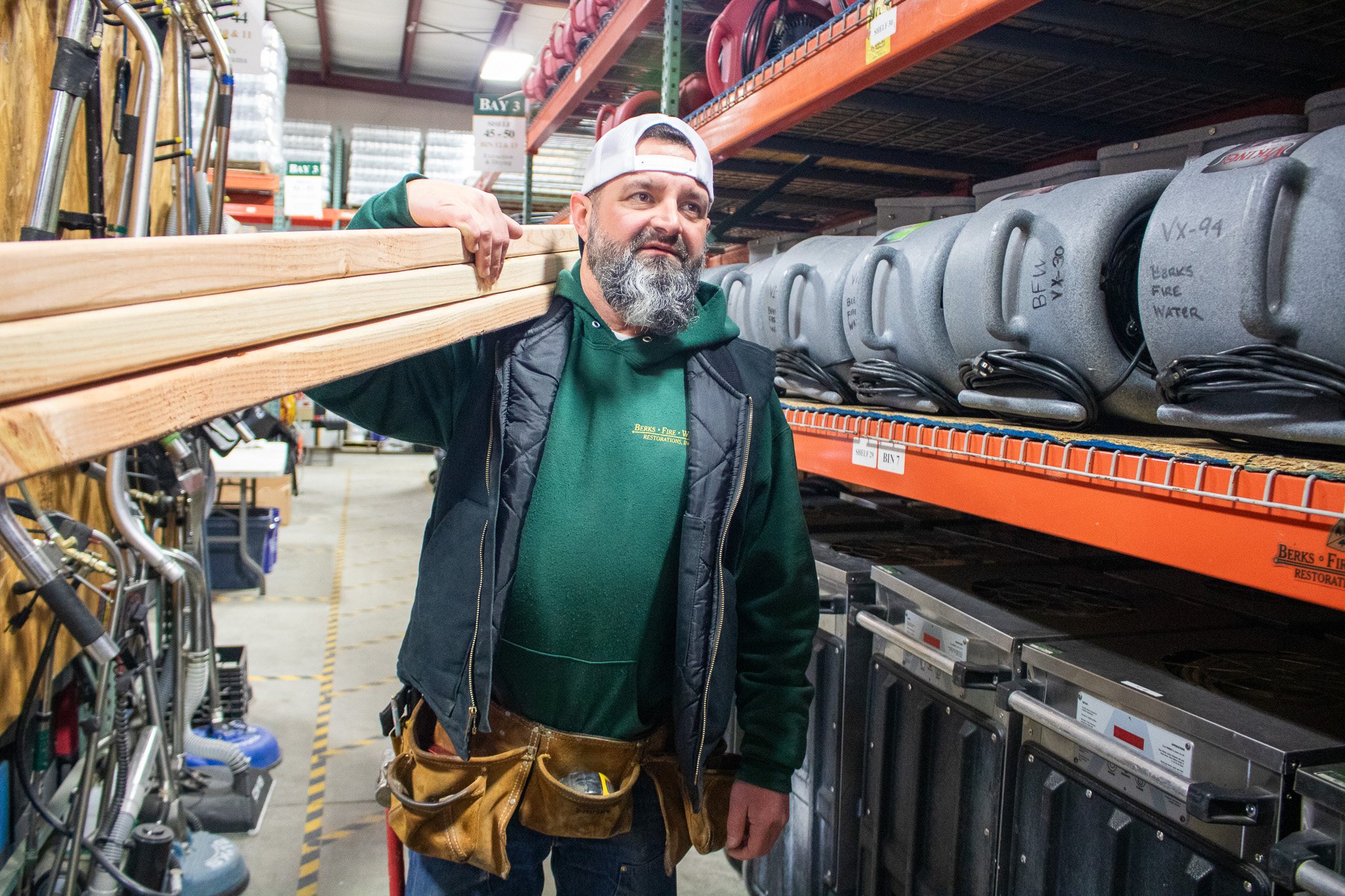
Restoration crew working on a job site.
Common questions

The questions operators actually ask.

Short answers on how Tasks works day to day — what it replaces, what your crews see, and how you know something got done.

We already text and call about this. Why do we need tasks?

Because a text isn't an assignment — it's a message someone has to remember. When the work lives in scattered texts, calls, and emails, people dig around for what they're supposed to be doing, and the only way to know if something happened is to ask. A task has an owner, a due date, and a written expectation, and it sits on the record it belongs to. You stop chasing and start seeing.

Most start with texts, calls, and a whiteboard, and that works right up until the day it doesn't. The alternative is assigning the work itself. Every job carries tasks with an owner, a due date, and a written expectation, attached to the job, company, or contact they belong to. Each person opens their own board and sees what's theirs today, what's this week, and what's already past due — and you open the same board to see the whole company at once.

The task is the what; the schedule is the when. A task carries the work and the expectations. A schedule puts it on a day, with a person. One task can carry as many schedules as the work takes — "monitor for three days" is one task and three visits. Something small like "cut drywall to two feet" is one task, scheduled once, done once, closed. All of a task's schedules list right on it, so you see the whole run of work in one place.

Yes. Tasks has its own tab in the mobile navigation bar, alongside Home, Agenda, Jobs and More, so it's one tap from anywhere in the app. A tech opens a task on site, posts an update, and moves the percent complete right there. The people who need to know are notified, and if you need the office, a lead, or the estimator, you @ mention them and they're pulled in. Open a job on mobile and every task attached to it is right there.

Every task carries a status — not started, in progress, deferred, completed — plus a percent complete, so progress is a number rather than somebody's word for it. Updates come back from the field as the work moves, with who posted and when, so there's a record instead of a memory. Past-due work sorts to the top of each person's board, and completion and past-due rates roll up by person, so a pattern shows up before it costs you a job.

Keeping it in one system is the whole point. A standalone to-do app is one more thing to remember to check, and the work ends up disconnected from the job it belongs to. Here a task attaches to the record — a job, a company, or a contact — and shows up on that record's Tasks tab, so opening a job shows everything outstanding on it. From the task you're one click from the job, the company, or the contact behind it.

Lever Software · Tasks

Run your jobs.

See what it looks like when every person in your property restoration company knows what they’re doing, what’s expected, and when it’s due.

The Lever360 Platform

Three levers. Pull all three and the whole company moves.

Lever360 is three products built around the same restoration job. Software runs the operation. Learning Lever trains the team. RTI certifies the trade. Use one. Use all three — they compound.

Software is one lever

You're running the company here. The other two make it compound.

Software runs the operation — every job, crew, dollar and conversation lives here. Add Learning Lever and RTI and the same techs ramp faster, bill higher, and stay longer. One lever moves the company. Three move it harder.

Learning Lever is one lever

You're training the team here. The other two make the training stick.

Learning Lever onboards faster and keeps the whole team sharp. Software is where that training shows up in the work. RTI is where it becomes a credential customers trust. Pull one — pull all three and the math compounds.

RTI is one lever

You're certifying the trade here. The other two carry the credential to the field.

RTI certifies the trade — IICRC WRT, ASD, AMRT, FSRT and beyond. Software runs the company those certified techs work for. Learning Lever ramps everyone in between. One lever moves things. Three move the whole crew.

Bundled Pricing

Customers who run Software + Learning Lever together save 22% and onboard techs 3× faster.